
USB
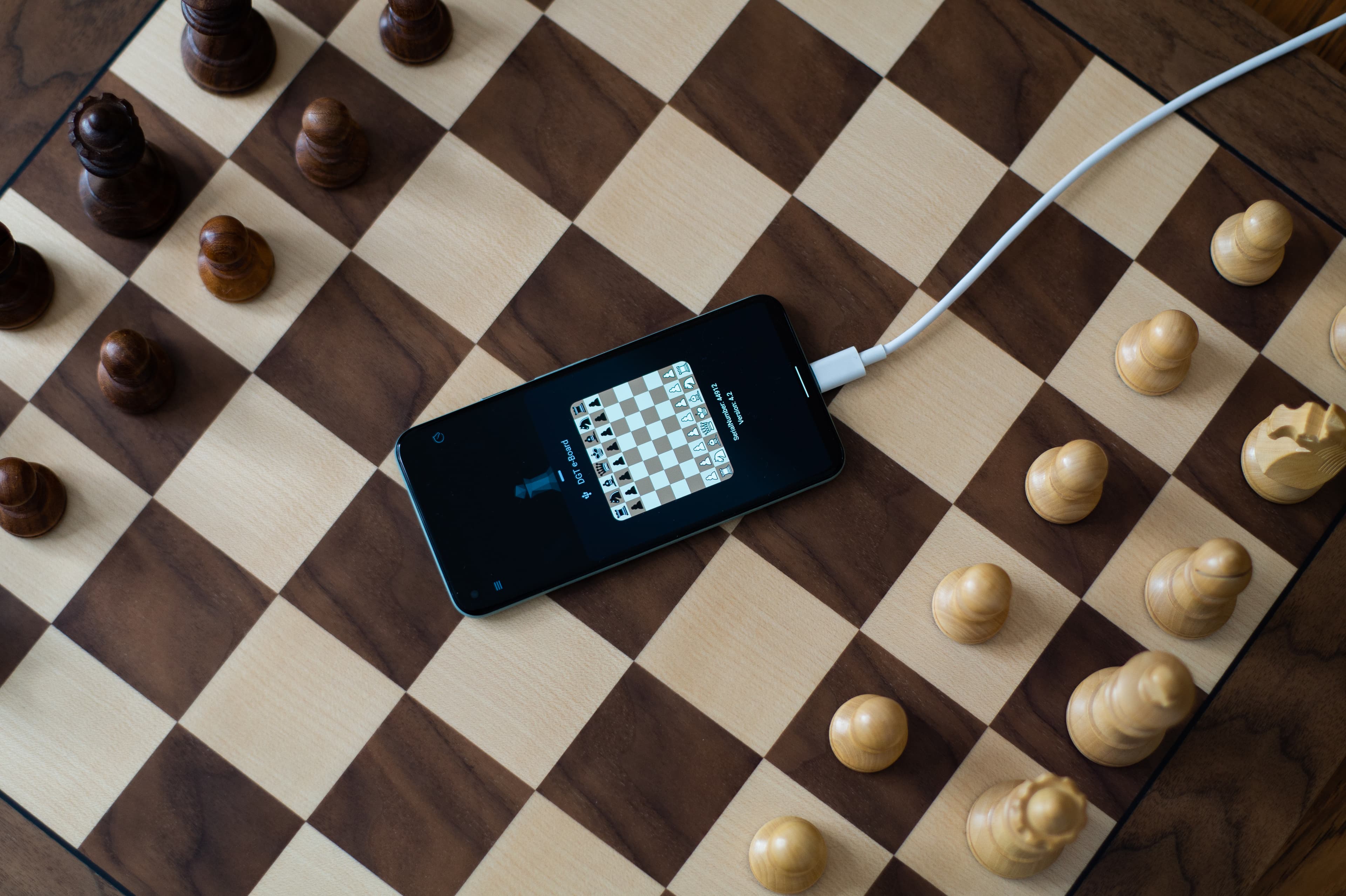
You have trouble connecting your chessboard with the WhitePawn App
On iOS
Sadly, this is not possible on iOS. We would love to support usb boards on iOS, but this is a technical limitation of the current iOS implementation.
On Android
Before you start
Make sure you have the latest version of the WhitePawn app installed on your Android device.
Board does not showup
Make sure you are using an OTG-Cable.
Some devices change the name of the usb devices, try to turn on "Display unknown devices".
Can't establish connection
Make sure the board is powered on.
If you have unknown devices turned on, check if you have choosen the right driver.
Was this helpful?